– Try for Free! Cancel anytime! –
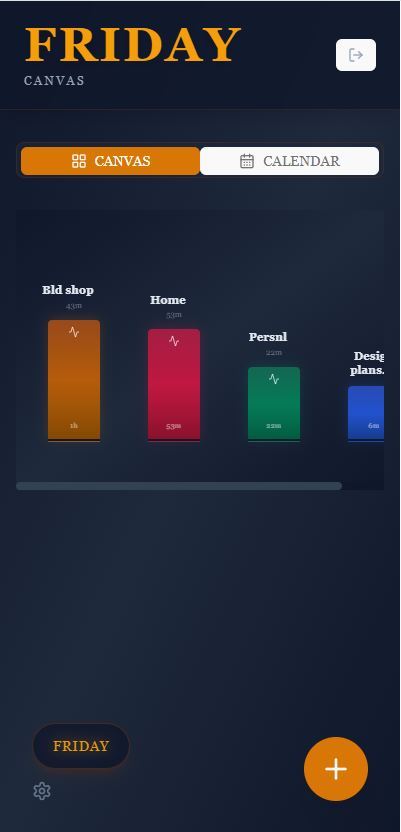
FRIDAY Canvas is your favorite notebook app! The notebook is fully functioning without the AI interface, you can toggle the Ai Assistant on and off, easily! Still the visual project Dashboard, the interactive WorkZone, Calendar, Sub-categories are all at your fingertips AND flows across all your devices, so you can update a project no matter where you are!
~
~
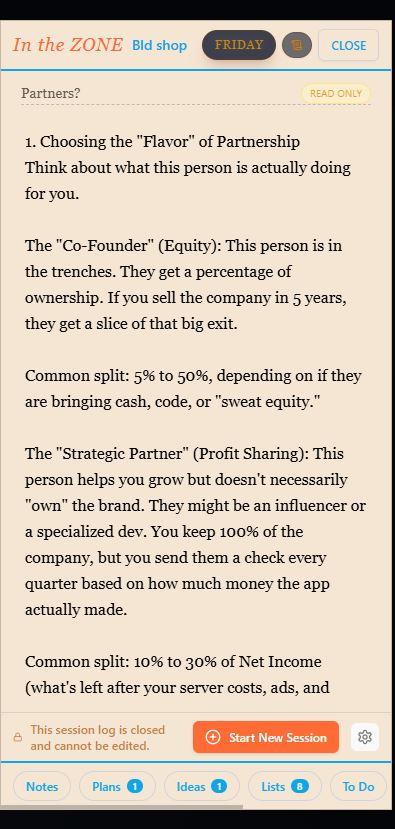
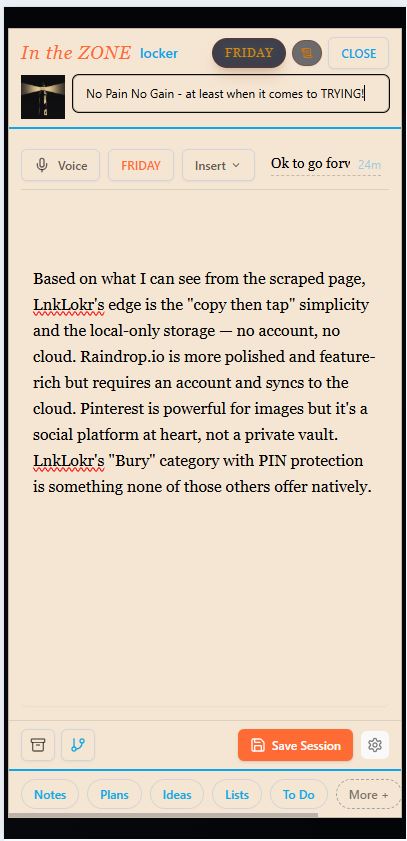
Inside the Dashboard, inside your project is your WorkZone, You can work all you want, and leave it open for next time or save the session, and move to the next item on the list for that specific project. Or save session and pick a different project to work on. All the time depending on your trusted Ai Agent FRIDAY, to help you with the details!
~
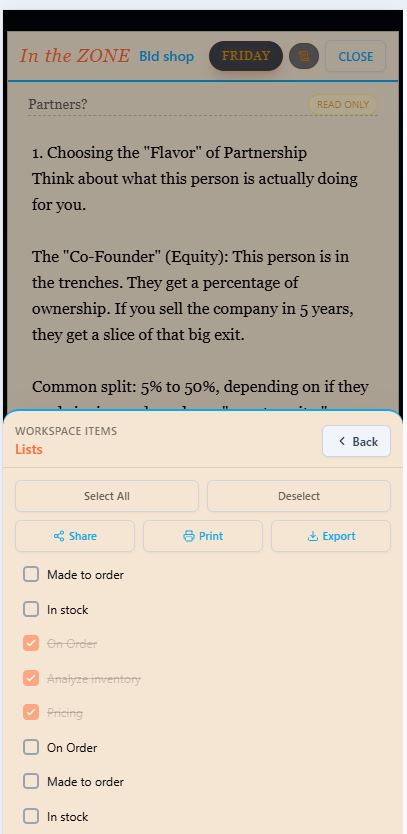
In the WorkZone select items you want to save across the entire project and save to the subcategories to recall later.
The Notebook You Actually Want
- Create projects for managing clients, goals, lesson plans/idea, gardening, vacations, personal matters, or anything important to you.
- Inside each project is a clean WorkZone — your personal writing space.
- Write notes, plans, ideas, – and save
- Plans – Next steps and future actions
- Ideas – Brainstormed thoughts
- Lists – Checklists and recurring items
- To Do – Current tasks
- Project Pin – Paste images, references, links, or important files
- Paste images, links, files, or rich content directly into your sessions.
- OR anything else you want access to session to session within your Work Zone.
~
Your Friendly AI Assistant
FRIDAY Canvas isn’t just a notebook — it gently enhances your thinking:
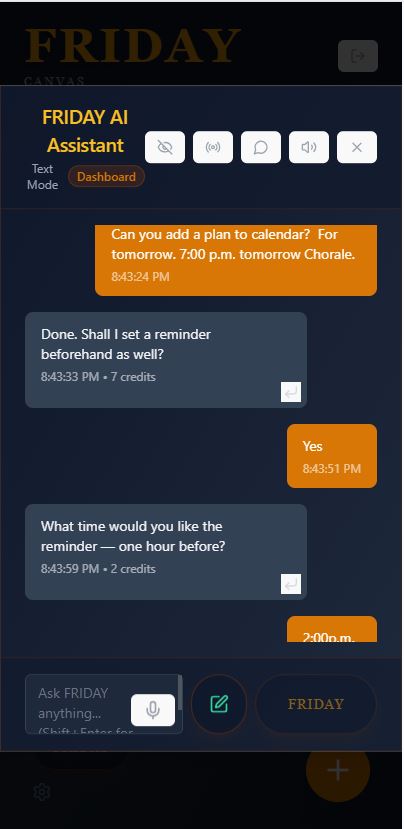
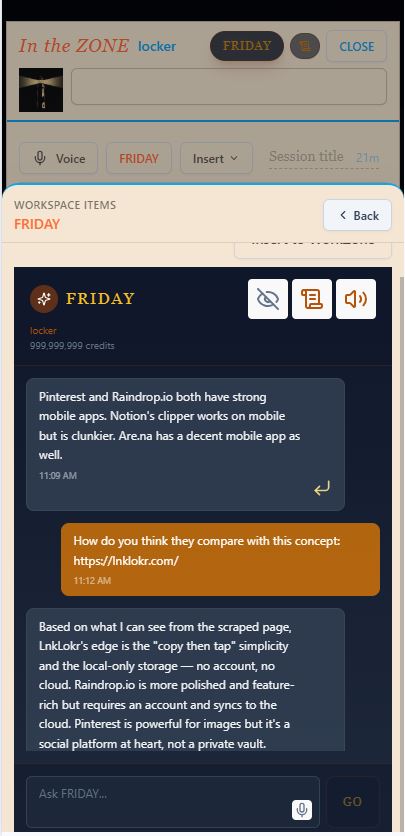
- Ask FRIDAY questions inside any session. It can summarize what you’ve written, suggest next steps, brainstorm ideas, or help draft content.
- It sees the context you’re currently working on inside your session — and can gently nudge you about things that need attention in other projects.
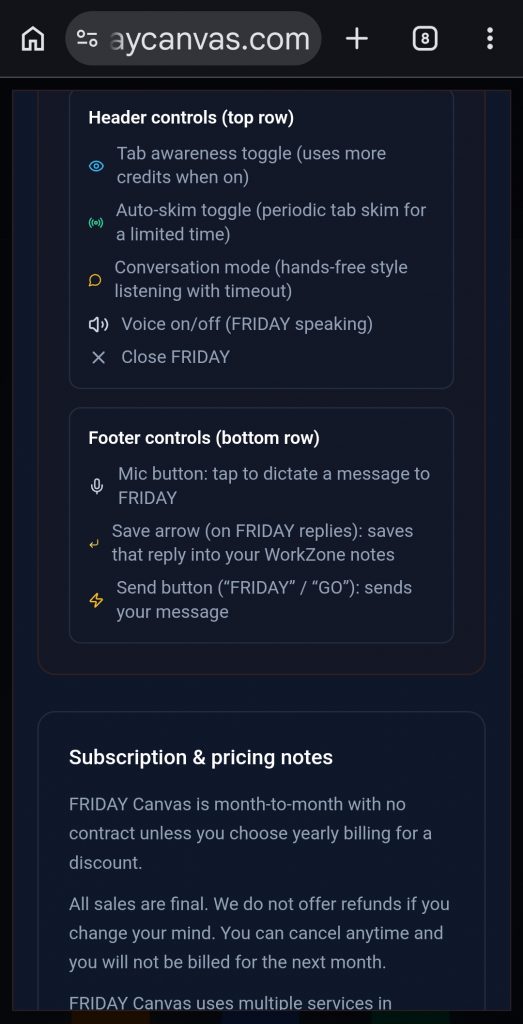
- Use voice dictation to capture thoughts hands-free.
- Get automatic Friday Summaries to help you see the bigger picture.
~
~
The FRIDAY Chrome Extension (Optional)
Add the lightweight extension for contextual help and voice dictation while you browse.
Why use the extension? While the FRIDAY Canvas™ app includes full voice dictation, the extension allows you to capture thoughts hands-free from any browser tab without switching windows.
Key Permissions & Privacy:
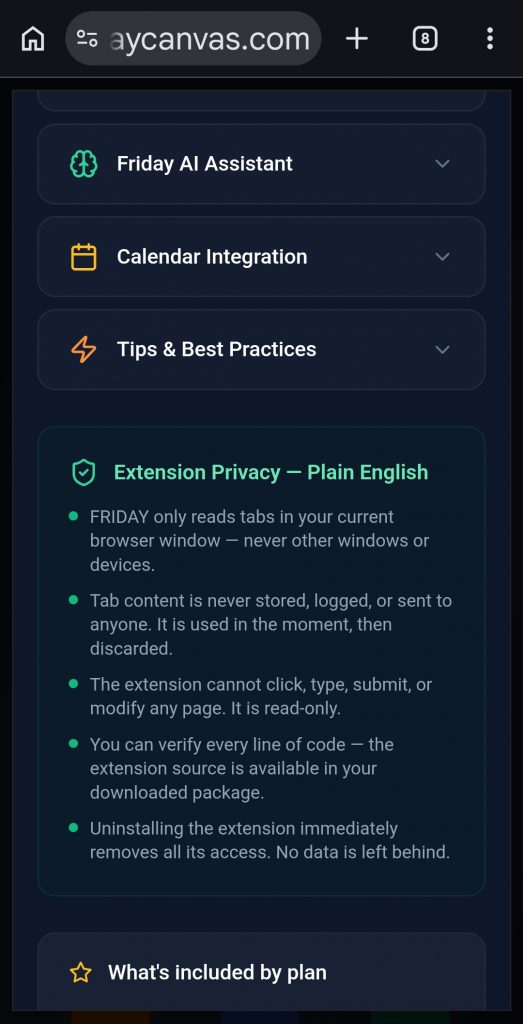
- Contextual Awareness: The extension can read the text of your active tab to help the AI connect your research to your project notes.
- Passive Observation: We are “Read-Only.” The extension cannot click buttons, type, or submit forms on your behalf.
- No History Logging: We do not track or store your browsing history. We only look at the active window in the moment you ask for assistance.
Limited Use Disclosure: Our use of information received from Google APIs adheres to the Chrome Web Store User Data Policy, including the Limited Use requirements. Your data is used strictly to provide these features.
www.FRIDAYCanvas.com – Try for Free! Cancel anytime!

~
~